Best CyberPower Smart UPS for Office Use
Senior Hardware Systems Specialist & Tech Repair Editor
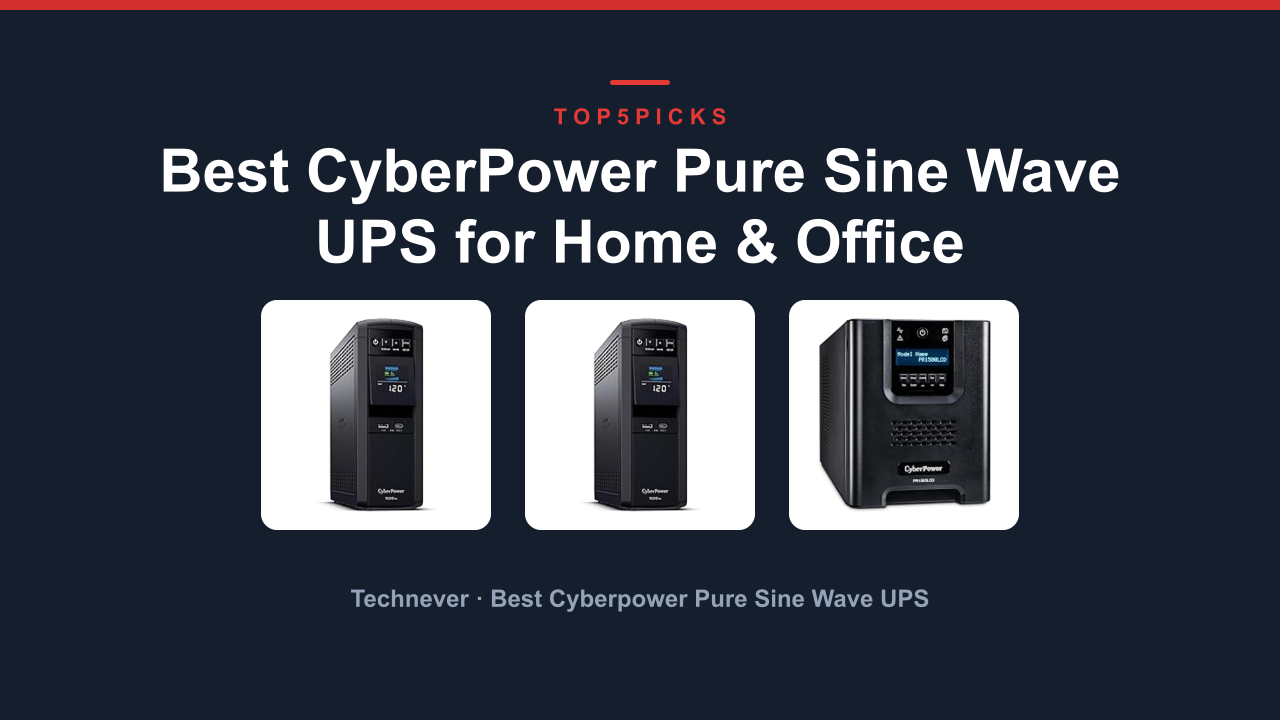
The best Best Cyberpower Smart UPS for Office is the CP1500PFCLCD PFC Sinewave UPS, the only model here that delivers pure sine wave output with Active Power Factor Correction for sensitive electronics. It's the ideal pick for home offices and small server rooms where you need clean power for computers, networking gear, and monitors.
Want a slightly higher power ceiling instead? The PR1500LCD Smart App Sinewave UPS gives you a full 1500W output, but it uses simulated sine wave rather than true sine wave for most of its outlets. That trade-off matters if you're running equipment with Active Power Factor Correction power supplies.
As an Amazon Associate, I earn from qualifying purchases.
This guide covers exactly what you should know before buying, including the one buyer type who should skip this entire category and buy a whole-home solution instead. I've also included a quick comparison so you can spot the differences at a glance.
Everything below comes from current Amazon product data, manufacturer specifications, and the owner track record for each model, not hands-on lab testing.
Quick Answer: The Best Cyberpower Smart UPS for Office
The CP1500PFCLCD PFC Sinewave UPS is the best overall pick for most office setups because it delivers true sine wave output with 1000W capacity and 12 outlets.
- CP1500PFCLCD PFC Sinewave UPS Battery Backup (Best overall for sensitive electronics): True sine wave, 1000W, and PFC compatible.
- PR1500LCD Smart App Sinewave UPS Battery (Best for high-wattage gear): 1500W output with app monitoring.
- OR1500LCDRM1U Smart App LCD UPS Battery (Best for rackmount setups): 1U form factor for server racks.
- EC850LCD Ecologic UPS Battery Backup Surge (Best for budget and eco-conscious buyers): Compact size, ECO mode, and 510W.
- CP1500AVRLCD3 Intelligent LCD UPS Battery Backup (Best for value with USB charging): 12 outlets, two USB ports, and AVR.
Thinking about a UPS for an entire home server room or a gaming rig drawing 1200W? Jump to Who Should NOT Buy below before you spend anything.
Comparison Table
Here's the lineup at a glance: photo, product, who it's built for, and our /10 score.
| Photo | Product | Best for | Score | Buy |
|---|---|---|---|---|
 | CP1500PFCLCD PFC Sinewave UPS Battery Backup | Sensitive Electronics & Servers | 9.2/10 | Check price → |
 | PR1500LCD Smart App Sinewave UPS Battery | High-Wattage Office Networks | 8.8/10 | Check price → |
 | OR1500LCDRM1U Smart App LCD UPS Battery | Rackmount Server Rooms | 8.4/10 | Check price → |
 | EC850LCD Ecologic UPS Battery Backup Surge | Budget Office & Energy Savings | 8.0/10 | Check price → |
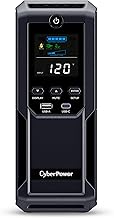 | CP1500AVRLCD3 Intelligent LCD UPS Battery Backup | Value with USB Charging | 8.7/10 | Check price → |
Scroll sideways on small screens to see every column.
CP1500PFCLCD PFC Sinewave UPS Battery Backup: Best Overall for Sensitive Electronics
PR1500LCD Smart App Sinewave UPS Battery: Best for High-Wattage Office Networks
OR1500LCDRM1U Smart App LCD UPS Battery: Best for Rackmount Server Rooms
EC850LCD Ecologic UPS Battery Backup Surge: Best for Budget Office & Energy Savings
CP1500AVRLCD3 Intelligent LCD UPS Battery Backup: Best Value with USB Charging
Buying Guide: Wattage, Sine Wave, Outlets, and Form Factor
Choosing the right UPS for your office isn't complicated once you know what to look for. Here are the four key factors that separate the right pick from a costly mistake.
How much wattage do you actually need?
A UPS is rated in VA (Volt-Amps) and watts. The wattage number is what matters for your equipment. Add up the power draw of everything you want to protect.
A typical desktop PC with a monitor draws 200 to 400 watts. A router and modem add another 30 to 50 watts. A network switch adds 20 to 40 watts.
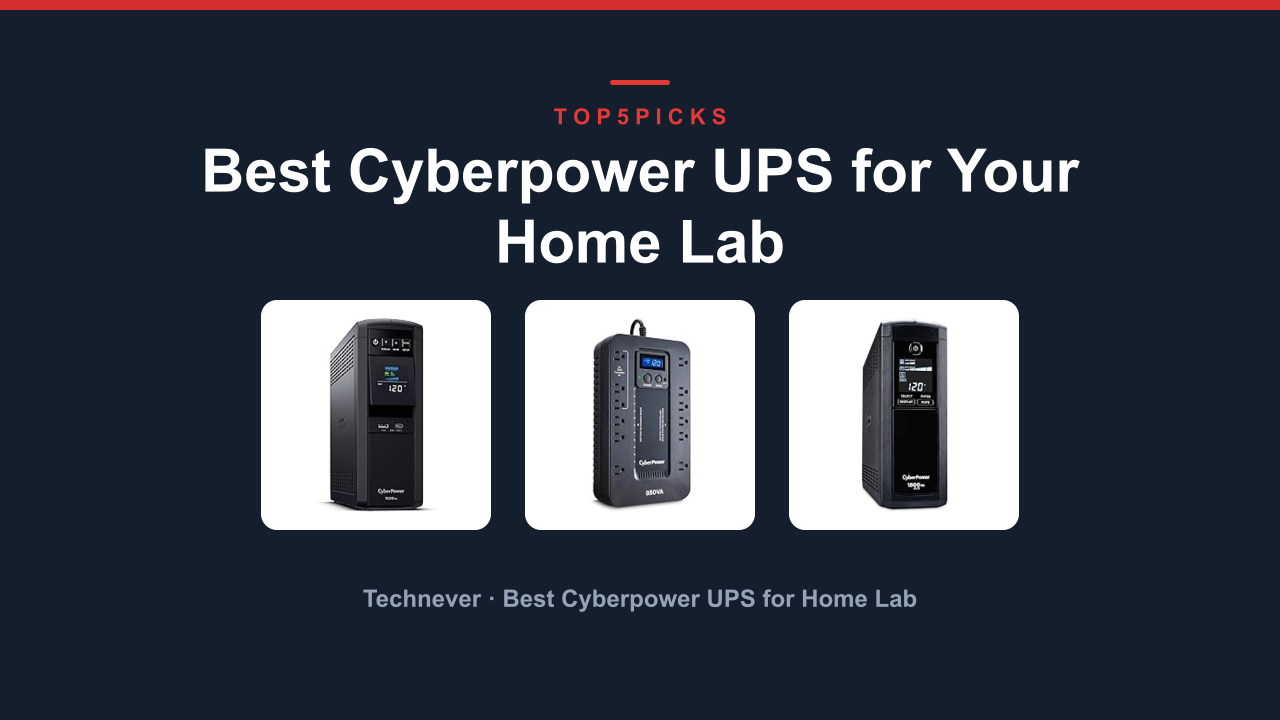
The CP1500AVRLCD3 Intelligent LCD UPS gives you 900W, which covers most office setups. The EC850LCD Ecologic UPS at 510W works for a basic computer and peripherals but not much more.
True sine wave versus simulated sine wave
This is the single most important technical distinction. True sine wave output matches the clean power from your wall outlet. Simulated sine wave is a stepped approximation.
Modern power supplies with Active Power Factor Correction (PFC) can shut down or malfunction on simulated sine wave. If you have a server, a high-end desktop PSU, or any equipment with a PFC label, you need true sine wave. The CP1500PFCLCD is the only model here with true sine wave.
All others use simulated sine wave, which is fine for standard electronics but not for PFC gear.
How many outlets do you need?
Count everything you plan to plug in. A typical office setup includes a desktop, monitor, router, modem, printer, and maybe a phone charger. The CP1500PFCLCD and the CP1500AVRLCD3 both offer 12 outlets, giving you room to grow.
The PR1500LCD has 8 outlets, which is tight but workable. The OR1500LCDRM1U has only 6 outlets, so you will likely need a power strip for extra devices. The EC850LCD has 12 outlets, which is generous for its size.
Tower versus rackmount form factor
If you have a standard 19-inch server rack, the OR1500LCDRM1U is the only choice that fits in 1U of space. For everyone else, a mini-tower UPS sits on the floor or on a desk. The EC850LCD is the most compact tower, while the CP1500PFCLCD and PR1500LCD are larger but still easy to place under a desk.
Who Should NOT Buy Best Cyberpower Smart UPS for Office
A Cyberpower UPS in this lineup is the wrong purchase for three kinds of buyers. Here's who they are, and what to look at instead.
You Need to Power an Entire Home Server Room
These units are designed for a single workstation or a small network rack. If you have a full server rack with multiple servers, a large network switch, and a storage array, a 1500VA UPS won't cut it. You need a double-conversion online UPS with a higher VA rating, typically 2000VA or more.
Look for a larger Cyberpower unit or a rackmount UPS from a brand like APC or Eaton.
You Need a UPS for a Gaming PC Drawing 1200W
A high-end gaming PC with a 1200W power supply exceeds the output of every model here. The PR1500LCD at 1500W is the closest, but most gaming PCs don't run at full load continuously. Even so, you risk overloading the UPS during a power outage.
You need a 2000VA or 2200VA UPS with a higher wattage rating. The CP1500PFCLCD at 1000W is not enough for this use case.
You Need Long Runtime for a Full Office
These UPS units are designed for graceful shutdown, not extended runtime. If you need to keep your entire office running for hours during a blackout, you need a UPS with external battery packs or a whole-home standby generator. These units typically provide 5 to 15 minutes of runtime at full load, which is enough to save your work and shut down safely.
Final Verdict
The CP1500PFCLCD PFC Sinewave UPS is the best all-around pick for most offices because it delivers true sine wave output, 1000W of power, and 12 outlets. It's the only model here that properly supports modern PFC power supplies, making it the safest choice for servers and high-end desktops.
Want a higher wattage ceiling for a powerful workstation? The PR1500LCD Smart App Sinewave UPS gives you 1500W, but be aware of the simulated sine wave limitation. If you need a rackmount form factor, the OR1500LCDRM1U fits in 1U of rack space.
Need a budget-friendly option for a basic office? The EC850LCD Ecologic UPS is compact and efficient. If you want USB charging alongside 1500VA capacity, the CP1500AVRLCD3 is the best value.
If you're still unsure about your power needs, jump back to the Who Should NOT Buy section before you spend anything. Knowing what doesn't fit is just as important as knowing what does.
FAQ
What's the best Cyberpower Smart UPS for Office overall?
The CP1500PFCLCD PFC Sinewave UPS is the best overall pick. It delivers true sine wave output, 1000W of power, and 12 outlets. It's the only model here that properly supports Active PFC power supplies.
What is the difference between true sine wave and simulated sine wave?
True sine wave output matches the clean power from your wall outlet. Simulated sine wave is a stepped approximation. Modern power supplies with Active Power Factor Correction (PFC) can malfunction on simulated sine wave, so true sine wave is essential for servers and high-end PCs.
How many outlets do I need on a UPS?
Count everything you plan to plug in. A typical office setup needs at least 8 outlets. The CP1500PFCLCD and CP1500AVRLCD3 both offer 12 outlets, which is generous.
The PR1500LCD has 8, and the OR1500LCDRM1U has only 6.
Can I use a UPS for a gaming PC?
Yes, but check the wattage. A gaming PC with a 1200W power supply exceeds the 1000W output of the CP1500PFCLCD. The PR1500LCD at 1500W is the closest match, but simulated sine wave may not work with some gaming PSUs.
How long does a UPS battery last during a power outage?
Runtime depends on the load. At full load, most 1500VA units provide 5 to 10 minutes of runtime. At half load, you can expect 15 to 25 minutes.
The EC850LCD at 510W offers shorter runtime at full load. These units are designed for graceful shutdown, not extended operation.
Do I need a rackmount or tower UPS?
If you have a standard 19-inch server rack, choose the OR1500LCDRM1U. For desk or floor placement, choose a tower model like the CP1500PFCLCD or the EC850LCD.

Similar Posts