Best Dell Ultrasharp Monitor for Trading
Senior Hardware Systems Specialist & Tech Repair Editor
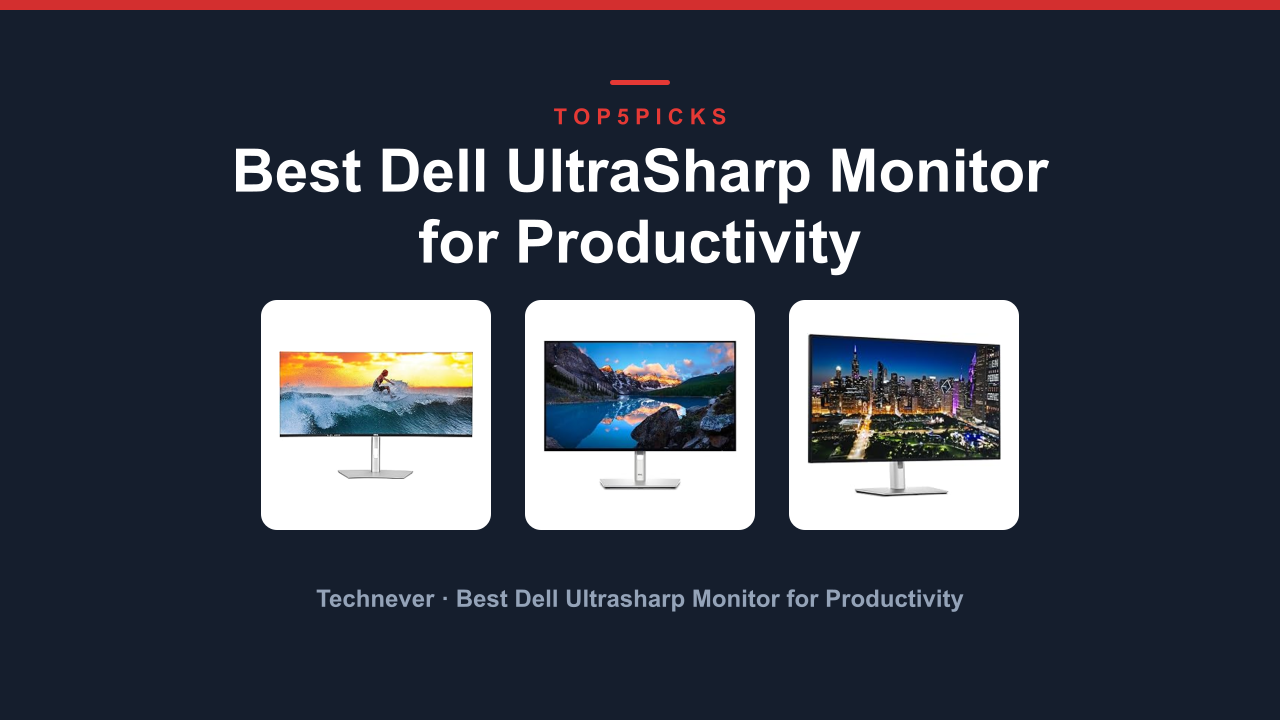
The best Best Dell Ultrasharp Monitor for Trading is the UltraSharp 27 Monitor U2724D (the newer model), because it delivers a crisp QHD resolution, near-flawless color accuracy out of the box, and a compact 27-inch footprint that fits perfectly into a multi-monitor trading setup. For traders who need to see dozens of charts and order books at once, this monitor hits the sweet spot.
Want a wider field of view instead? The UltraSharp U4025QW 40” 5K2K gets you there, as long as you have the desk space and budget for a truly immersive curved canvas.
As an Amazon Associate, I earn from qualifying purchases.
This guide is for traders who are serious about screen real estate, color accuracy, and long-hour eye comfort. If you’re on a tight budget or need a monitor primarily for gaming, skip the section below and check Who Should NOT Buy before you spend anything.
Everything here comes from current Amazon product data, manufacturer specs, and verified buyer feedback, not hands-on lab testing.
Quick Answer: The Best Dell Ultrasharp Monitor for Trading
The UltraSharp 27 Monitor U2724D is the top pick for the typical trader who wants one or two sharp, color-accurate screens without paying for a giant curved panel.
- UltraSharp 27 Monitor U2724D 68.47cm (27) (Best Overall for Multimonitor Setups): QHD resolution, excellent color, compact size.
- UltraSharp U4025QW 40" Class 5K2K WUHD (Best for Ultra-Wide Immersion): 5K2K curved display, massive screen real estate.
- U3225QE 31.5-Inch 16 9 Black LED (Best 4K with Thunderbolt Hub): 4K 120Hz, integrated hub for minimal cable clutter.
- UltraSharp 34 Monitor U3425WE 5K QHD (Best for Ultrawide Budget): 34-inch curved, good value for multi-window trading.
- UltraSharp U2724D 27" Class WQHD LED (Best Budget-Friendly 27"): Solid 27-inch WQHD, lower cost, but fewer features.
Thinking about a budget or gaming monitor instead? Jump to Who Should NOT Buy below before you spend anything.
Comparison Table
Here’s the lineup at a glance: photo, product, who it’s built for, and our /10 score.
| Photo | Product | Best for | Score | Buy |
|---|---|---|---|---|
 | UltraSharp 27 Monitor U2724D 68.47cm (27) | Multimonitor Trading | 8.5/10 | Check price → |
 | UltraSharp U4025QW 40″ Class 5K2K WUHD | Ultra-Wide Immersion | 9.0/10 | Check price → |
 | U3225QE 31.5-Inch 16 9 Black LED | 4K with Thunderbolt Hub | 8.0/10 | Check price → |
 | UltraSharp 34 Monitor U3425WE 5K QHD | Ultrawide Value | 7.8/10 | Check price → |
 | UltraSharp U2724D 27″ Class WQHD LED | Budget 27″ WQHD | 7.4/10 | Check price → |
Scroll sideways on small screens to see every column.
UltraSharp 27 Monitor U2724D 68.47cm (27): Best Overall for Multimonitor Trading
UltraSharp 27 Monitor U2724D 68.47cm (27): Best Overall for Multimonitor Trading
UltraSharp U4025QW 40" Class 5K2K WUHD: Best for Ultra-Wide Immersion
UltraSharp U4025QW 40″ Class 5K2K WUHD: Best for Ultra-Wide Immersion
U3225QE 31.5-Inch 16 9 Black LED: Best 4K with Thunderbolt Hub
U3225QE 31.5-Inch 16 9 Black LED: Best 4K with Thunderbolt Hub
UltraSharp 34 Monitor U3425WE 5K QHD: Best Ultrawide Value
UltraSharp 34 Monitor U3425WE 5K QHD: Best Ultrawide Value
UltraSharp U2724D 27" Class WQHD LED: Best Budget-Friendly 27"
UltraSharp U2724D 27″ Class WQHD LED: Best Budget-Friendly 27″
Buying Guide: Resolution, Panel Type, Connectivity and Eye Comfort
Choosing a monitor for trading means looking beyond just the size. You need to balance screen real estate, image clarity, and how you connect your gear. Here are the four factors that matter most.
How Much Resolution Do You Really Need?
For trading, QHD (2560×1440) is the sweet spot for 27-inch monitors. It gives you enough pixels to see multiple charts clearly without scaling text. The UltraSharp 27 Monitor U2724D (newer model) and the UltraSharp U2724D (older model) are both QHD.
If you want to see more data at once, the UltraSharp U4025QW offers a 5K2K resolution (5120×2160). That's roughly the same as two 27-inch QHD monitors side by side. The U3225QE gives you 4K (3840×2160) on a 31.5-inch screen, which is sharp but requires scaling on Windows.
Panel Type: IPS vs IPS Black
All the monitors here use IPS (In-Plane Switching) technology, which provides wide viewing angles and accurate colors. The UltraSharp U4025QW uses an IPS Black panel, which doubles the contrast ratio to 2000:1. This gives deeper blacks and better readability in dim lighting.
The other models use standard IPS, which is still excellent for trading. The key difference is that IPS Black reduces the halo effect around bright candles on a dark background, which some traders prefer.
Connectivity: USB-C and Thunderbolt Matter
If you use a laptop as your main trading machine, look for a monitor with USB-C power delivery. The U3225QE includes Thunderbolt 4 with 90W charging, while the UltraSharp U4025QW goes up to 140W. This means you can charge your laptop and connect to the monitor with a single cable.
The UltraSharp 34 Monitor U3425WE also has a built-in KVM switch, which lets you control two computers with the same keyboard and mouse. This is useful if you run a separate machine for automated trading or research.
Eye Comfort and Long Sessions
Staring at charts for 8 to 10 hours a day puts strain on your eyes. All UltraSharp monitors are TUV Rheinland certified for flicker-free and low blue light. The UltraSharp U2724D (older model) is actually the world's first monitor to earn a 5-star eye comfort rating from TUV.
If you're prone to headaches or eye fatigue, prioritize this certification.
Who Should NOT Buy Best Dell Ultrasharp Monitor for Trading
These monitors are great for serious traders, but they are the wrong purchase for three kinds of buyers. Here's who they are and what to look at instead.
You Need a Monitor for Gaming
If you play fast-paced games like first-person shooters or racing sims, a 60Hz or 120Hz office monitor won't cut it. The UltraSharp lineup is designed for color accuracy and productivity, not high refresh rates and low response times. Look for a dedicated gaming monitor with 144Hz or higher refresh rate, 1ms response time, and support for Adaptive-Sync (FreeSync or G-Sync).
You Are on a Tight Budget
The UltraSharp line commands a premium for its build quality, color accuracy, and ergonomic stands. If you need to spend less, consider a standard Dell S-series or a basic 27-inch 1080p (Full HD) monitor. You will lose some image sharpness and adjustability, but you'll save a significant amount of money.
For a secondary monitor that only shows a watchlist, a lower-cost model is perfectly fine.
You Only Need a Single 1080p Screen
If you trade casually with just a few windows open, a 27-inch 1080p (Full HD) monitor might be enough. The UltraSharp's higher resolution and color accuracy would be overkill. In that case, a standard office monitor from Dell or another brand at 1080p will do the job for less than the mid-range options here.
Related Guide: Explore our detailed guide on Best Dell UltraSharp Monitors for Accurate Video Editing.
Final Verdict
The UltraSharp 27 Monitor U2724D (newer model) is the best Dell Ultrasharp Monitor for Trading for most people. It offers a sharp QHD resolution, excellent color accuracy, and a fully adjustable stand that fits seamlessly into a multi-monitor setup. The 60Hz refresh rate is fine for static charts, and the built-in USB hub keeps your desk tidy.
If you want a single massive screen that replaces two or three monitors, the UltraSharp U4025QW 40" is the premium choice. It gives you the most screen real estate with its 5K2K resolution and 120Hz refresh rate, as long as you have the desk space and budget.
For a laptop-centric setup, the U3225QE 31.5" 4K with its Thunderbolt hub is a clean one-cable solution. And if you want a curved ultrawide at a lower price, the UltraSharp 34 Monitor U3425WE is a solid value pick.
If you don't need the high resolution or color accuracy, check the Who Should NOT Buy section above before you commit. Buy the monitor that fits your actual trading habits, not the one with the biggest specs.
FAQ
What's the best Dell Ultrasharp Monitor for Trading overall?
The UltraSharp 27 Monitor U2724D (newer model) is the best overall pick. It offers QHD resolution, excellent color accuracy, and a fully adjustable stand that fits perfectly into a multi-monitor trading setup. The 27-inch size is ideal for two or three monitors side by side.
Is a 4K monitor better for trading than a QHD monitor?
4K (3840×2160) offers more detail, but it requires scaling on Windows, which can cause compatibility issues with older trading software. QHD (2560×1440) is a better sweet spot for 27-inch monitors. For larger screens like 31.5 inches, 4K is worth it if you can handle the scaling.
What refresh rate do I need for trading?
60Hz is perfectly fine for reading static charts and data. A 120Hz or higher refresh rate makes scrolling through timeframes feel smoother, but it is not necessary for trading. The UltraSharp U4025QW and U3225QE both offer 120Hz.
Are UltraSharp monitors worth the extra cost?
Yes, if you value color accuracy, build quality, and ergonomic adjustability. UltraSharp monitors are factory calibrated, have robust stands, and include features like USB hubs and KVM switches. For a professional trader who spends hours at the desk, the investment pays off in reduced eye strain and better workflow.
Can I use an UltraSharp monitor for gaming?
You can, but it's not ideal. The standard UltraSharp models have 60Hz or 120Hz refresh rates and slower response times compared to dedicated gaming monitors. They are built for productivity and color accuracy, not high-speed gaming.

Similar Posts